Power BI · Copilot agents · Automation

Empower Your Business
with Data Insights

We build Power BI reports, automate workflows and put Microsoft 365 Copilot to work, so your team spends less time in spreadsheets and decides faster.

Scroll
0
Years in Power BI and AI adoption
0
Clients served, SMB to enterprise
0
Learners trained on Microsoft 365 Copilot
0
Amazon-published books
A laptop on a desk showing a sales forecast dashboard, with actual sales up to today and a forecast line beyond it
01Why Build Alpha

Predict the future by creating it.

Good reporting tells a story people act on. Good automation removes the work nobody should be doing by hand. Good agents give every person the same quality answer, first time. We build all three on the Microsoft stack you already pay for.

02Services

What we build

01

Power BI Dashboards

Interactive, custom reports shaped around the decisions your business actually makes, not the data that happens to be lying around.

02

Data Modeling

Structuring and transforming your data sources into clean star-schema models, so every number in every report agrees.

03

Microsoft Fabric Solutions

Lakehouse foundations on OneLake, semantic models, data agents and write-back apps, so your reports and your apps run on one governed copy of the data.

04

Microsoft 365 & Copilot Adoption

Hands-on enablement across Word, Excel, Teams and SharePoint, backed by prompt packs and role-based demos your team keeps using.

05

Copilot Agents

Agents that answer from your own documents, draft the reply and hand off when a person must decide.

06

Workflow Automation

Power Automate solutions that eliminate manual tasks: intake, routing, reminders and decision emails, with a record of every step.

07

Dataverse & Power Apps

Low-code business applications that replace the shared mailbox and spreadsheet with a real database, proper security roles and an audit trail. Request triage, case tracking and approvals are a natural fit.

08

Predictive Analytics & Forecasting

Trend identification and forward planning, so you act on what is coming rather than report on what already happened.

03Selected work

Builds, end to end

Selected builds across Copilot agents, Copilot enablement and Microsoft Fabric.

Tools we cover
Power BIDAXPower QueryMicrosoft FabricOneLakeData FactoryFabric data agentsMicrosoft 365 CopilotAgent BuilderCopilot StudioPower AutomatePower AppsDataverseSharePointTeamsOutlookExcelWordPowerPointSQLPythonClaudePower BI MCPMicrosoft Purview
What we build
Power BI dashboardsStar-schema data modelsExecutive and KPI reportingRow-level securityDeployment pipelinesCopilot agentsCopilot Prompt PackCopilot training and adoptionAI-Powered Data Analyst cohortsWorkflow automationFabric solutionsData agentsAI voice receptionist
Build 01 Worked example

Three Copilot agents, built end to end

One method, three levels of ambition: a helper that answers from a single document, a policy agent for the whole organisation, and an assistant that drafts replies and flags what must be escalated.

01

Returns & Warranty Helper

Decides covered or not, from one source, in a three-line verdict.

02

HR Policy Agent

Answers from several policy sources, cites the section, and redirects what it should not answer.

03

CS Email Assistant

Drafts the reply in the house template, flags escalations and leaves unknowns in brackets.

Agents draft. People decide.
AgentDrafts the reply
PersonReviews and fills the brackets
PersonDecides and sends

Version one drafts. It does not send. Escalation limits live in one shared place, so a threshold changes once and every agent updates.

Scored on five checks before it ships
  • CorrectShip at 90%+
  • BoundedShip at 90%+
  • GroundedImprove after launch
  • CompleteImprove after launch
  • In formatImprove after launch

Bars show the launch bar, not a result.

Test twenty cases, not two
  • Core cases
  • Edge cases
  • Missing information
  • Must refuse
  • Escalation triggers
  • Adversarial

Write the expected answer for each one first. Otherwise you grade on vibes and pass everything.
Build 02 Delivered with AMZ Consulting

Microsoft 365 Copilot enablement programme

Training and adoption for corporate teams, built around a persona-based demo tenant so learners see Copilot working on realistic data in Word, Excel, Teams and SharePoint.

Demo tenant

Persona-based tenant with SharePoint, Teams and Copilot Studio demos showcasing agents across the Microsoft 365 apps.

Copilot Prompt Pack

A reusable prompt-engineering resource, and a supporting web app, used across client training.

Training at scale

Copilot training delivered to 100+ corporate learners, plus five cohorts of the AI-Powered Data Analyst programme covering Claude and Power BI MCP integrations.

In the lab Foresight: a conversational AI voice receptionist for small businesses, built with ElevenLabs, connected to Calendly for scheduling and deployed on Cloudflare.

Build 03 Microsoft Fabric

Apps on Microsoft Fabric

From governed data in OneLake to apps people actually use: reports that write back, agents that answer in plain English, and functions any system can call.

How a Fabric app fits together
Your sourcesDatabases, files, SaaS and mirrors
Data FactoryIngest, transform, 200+ connectors
OneLakeLakehouse tables, one governed copy
Semantic modelShared measures and definitions
Power BI reportWrite-back to data
Data agentPlain-English Q&A
Your appPower Apps or custom, via functions over REST
Power AutomateFlows triggered by your data

Governed throughout: Microsoft Purview · Row-level security · Git and deployment pipelines

Data agents

Ask questions of your data in plain English. Each agent is set up with your own instructions and example queries, is read-only, and only shows people what their permissions allow.

Write-back from Power BI

Turn a report into a working app. Reusable functions let people add, update or delete records from the report itself, instead of switching to a spreadsheet.

One governed foundation

Reports, agents and apps all read the same OneLake data and the same semantic model, so every number agrees and access rules are set once.

04Published work

Five books on Power BI and AI

Co-authored with Ali Noorani. Step-by-step guides that teach by doing, from a first Excel-to-Power BI move to complex DAX and AI-assisted analytics.

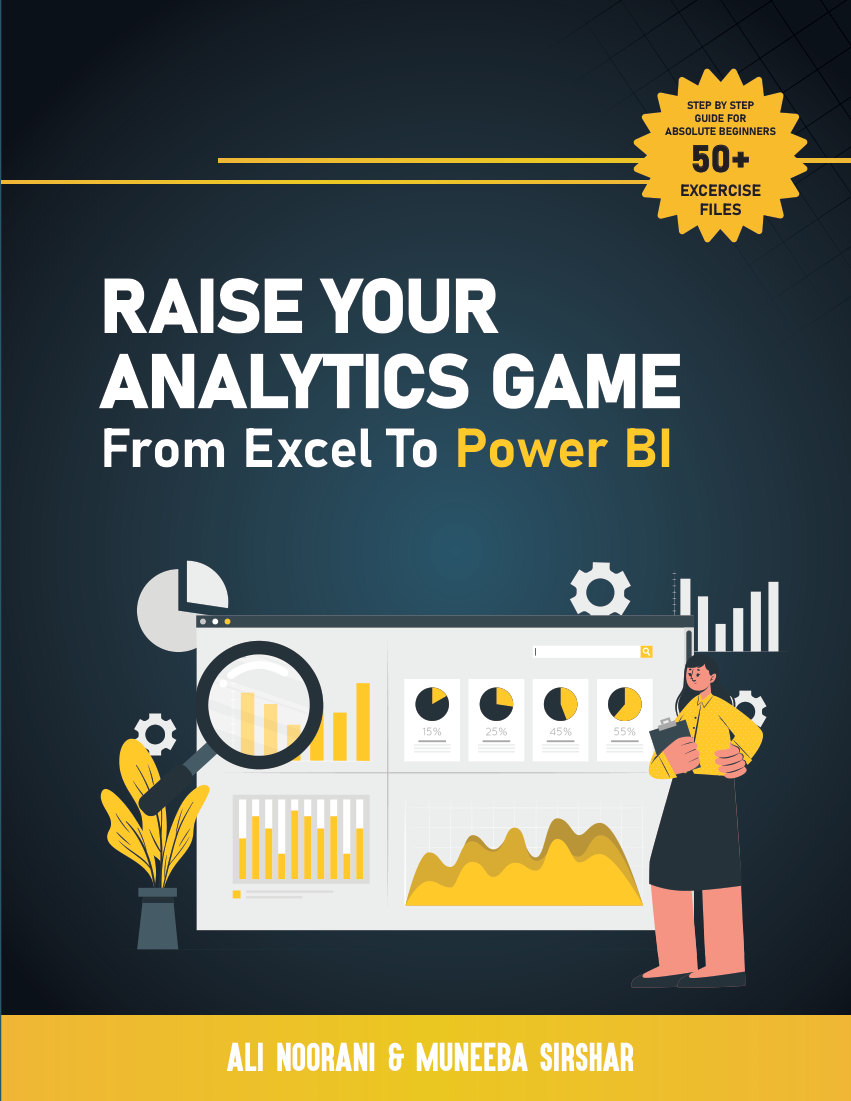
Book cover: Raise Your Analytics Game: From Excel to Power BI, by Ali Noorani and Muneeba Sirshar

Raise Your Analytics Game

From Excel to Power BI

2022 · 50+ exercise files Request a session →
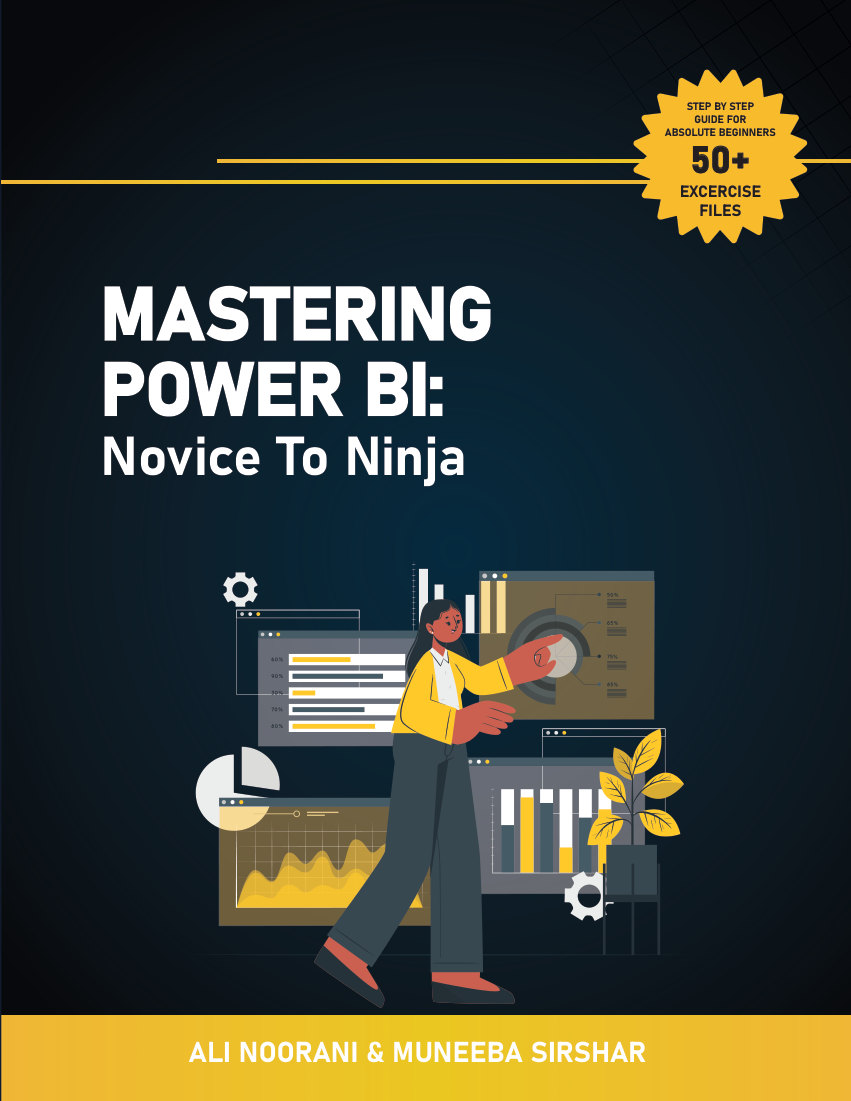
Book cover: Mastering Power BI: Novice to Ninja, by Ali Noorani and Muneeba Sirshar

Mastering Power BI

Novice to Ninja

2024 · 50+ exercise files Request a session →
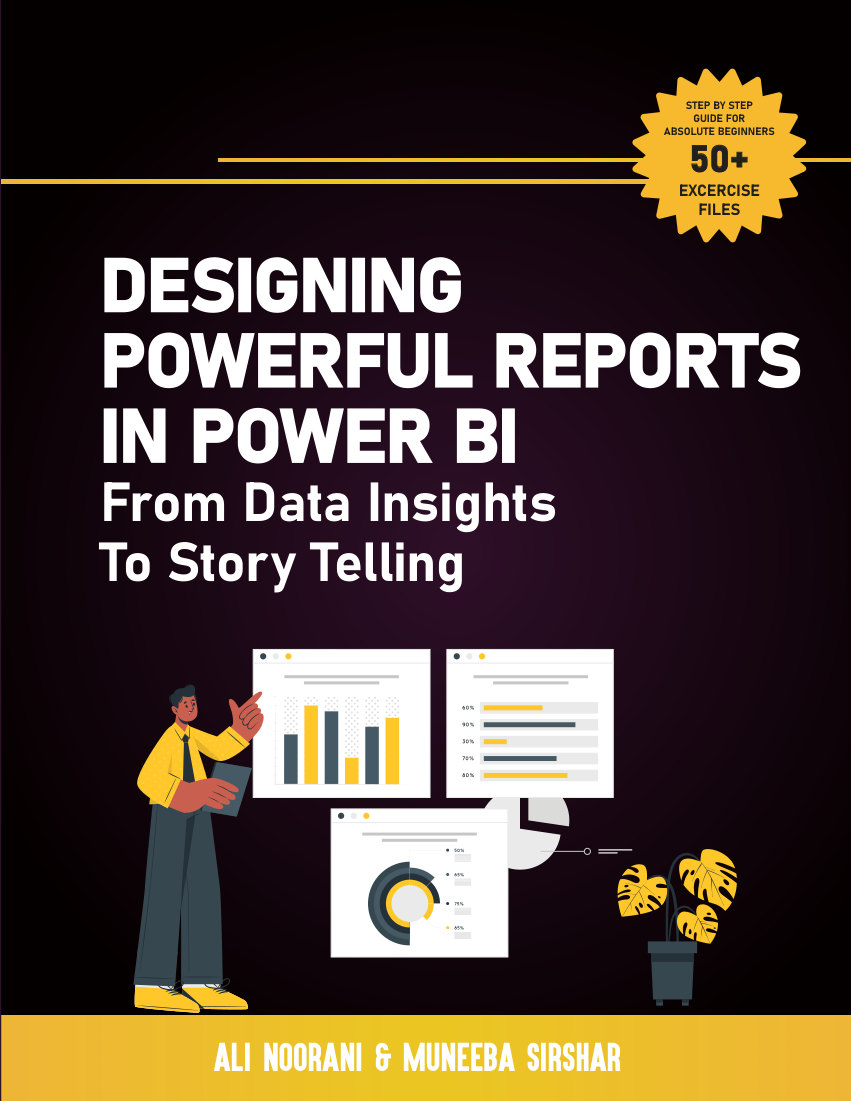
Book cover: Designing Powerful Reports in Power BI: From Data Insights to Story Telling, by Ali Noorani and Muneeba Sirshar

Designing Powerful Reports in Power BI

From data insights to storytelling

2024 · 50+ exercise files Request a session →
Book cover: DAX for Power BI Professionals: From Basic Formulas to Complex Analytics, by Ali Noorani and Muneeba Sirshar

DAX for Power BI Professionals

From basic formulas to complex analytics

2024 · 50+ exercise files Request a session →
Book cover: ChatGPT and Data Analytics: In Modern Business, by Ali Noorani and Muneeba Sirshar

ChatGPT and Data Analytics

In modern business

2024 · Prompt sheets for each topic Request a session →

Hover a book to turn it over — real front, spine and back from the hardcover editions.

On request

Want these ideas taught to your team?

We can run short sessions on any of these topics: Power BI, report design, DAX and AI-assisted analytics. Tell us what your team needs and we will shape the session around it.

Request a short session
05How we can help

The right-sized agent for your team.

Most teams do not need the most complex build. We start at the simplest level that solves the problem and move up only when it earns it.

1

Prompt library

For questions your team asks again and again.

You get a set of tested, reusable prompts and templates.

Discuss this →
2

SharePoint agent

For Q&A over one site's documents.

You get an agent scoped to that site, ready to share.

Discuss this →
3

Team agent

For a personal or team job, built from your files.

You get an agent with written rules, tested and shared with your team.

Discuss this →
4

Organisation agent

For an agent that must work inside Outlook and Office.

You get an agent for the whole organisation, released with admin approval.

Discuss this →
5

Custom agent app

For a standalone app, including people without a Copilot licence.

You get a purpose-built agent app, shaped around your process.

Discuss this →

Prompts answer questions. Agents complete workflows.

If you paste the same background into Copilot more than twice a week, it wants to be an agent.

Write the rules down.

Name the role, write decision rules as numbers, say what to do when it does not know, and include a NEVER list.

Prove it before it ships.

One good answer in a demo proves nothing about the next fifty. Test it, score it, then release it.

Not sure which level fits?

Tell us what your team does by hand today.

We will tell you whether it needs a prompt library, a team agent or something bigger, and what the first step looks like.

Start the conversation
06Toolkit

The stack we work in

Data & business intelligence
  • Power BI, DAX, Power Query
  • Microsoft Fabric, OneLake, lakehouses
  • SQL, Python
  • Row-level security, deployment pipelines
Microsoft 365 AI
  • Microsoft 365 Copilot
  • Agent Builder
  • Copilot Studio
  • Fabric data agents
  • Claude and Power BI MCP
Office & reporting
  • Excel, Word, PowerPoint
  • Outlook and Teams
  • SharePoint
  • KPI frameworks, executive reporting
Automation & apps
  • Power Automate
  • Power Apps
  • Dataverse
  • Fabric user data functions
  • ElevenLabs, Calendly, Cloudflare
07Behind Build Alpha

Muneeba Sirshar

Power BI & AI adoption lead · AI solutions builder

Eight-plus years across Power BI consulting, AI adoption and training delivery. Muneeba leads consulting and training operations at AMZ Consulting in Sydney, supporting Australian corporate and government clients, and builds applied AI tools alongside BI delivery: conversational agents, workflow automation and Copilot enablement.

Standardising delivery workflows and automating operations with Power Automate cut average project turnaround by roughly 30%. Freelance BI engagements since 2022 have kept a 100% client retention rate through repeat and referral work.

View LinkedIn profile →
Certified
  • Microsoft Certified: PL-300 Power BI Data Analyst Associate
  • Microsoft Fabric in a Day
  • IBM Applied Data Science Specialization
Author
  • DAX for Power BI Professionals
  • Designing Powerful Reports in Power BI
  • ChatGPT and Data Analytics in Modern Business
  • Mastering Power BI: Novice to Ninja
  • Raise Your Analytics Game
★★★★★
“Build Alpha Analytics transformed our data into actionable insights, streamlining our reporting and decision-making processes. Their expertise has been invaluable for our growth strategy.”
Abdul Wahab · Founder, Al-Wahab Co
08Contact

Let's build something.

Tell us what your team does by hand today. We will tell you whether it is a report, a workflow or an agent.

work@buildalphaanalytics.com